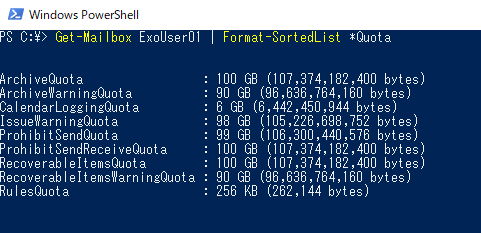
When you display the results of commands such as Get-Mailbox with fl (Format-List), each property is shown. If you want to display the properties in alphabetical order, see this page.
However, this method does not display the following information, which is normally included in the output:
PSComputerNamePSShowComputerNameRunspaceId
These properties are related to a remote PowerShell connection, so you usually do not need to pay attention to them. If you need them, select Get-Member results whose MemberType matches *Property. This includes both Property and NoteProperty. For example:
1 | $temp = Get-Mailbox ExoUser01 |
Get-Mailbox is used as an example here, but sorting properties by name is a general PowerShell operation.
The Format-SortedList function below accepts pipeline input like Format-List and also lets you specify which properties to display.
1 | function Format-SortedList { |
You can use the function as shown below.