Note
This article is a technical record from 2018. The Exchange Online Remote PowerShell connection that uses New-PSSession is no longer available following Microsoft’s retirement of Remote PowerShell. The original procedure and code are preserved here for historical reference. For the current connection method, see Microsoft’s Connect to Exchange Online PowerShell. For details about the retirement, see Microsoft’s Deprecation of Remote PowerShell in Exchange Online.
Note
Update on August 1, 2018: Starting around May 2018, the default output of Get-Mailbox was gradually changed to Name, Alias, Database, ProhibitSendQuota, and ExternalDirectoryObjectId.
When you connect to Exchange Online PowerShell and run Get-Mailbox, the default output should contain four properties: Name, Alias, ServerName, and ProhibitSendQuota.
As you can see by displaying the Get-Mailbox result with Format-List (fl), the object has many more properties. When you run a command without specifying what to display, the properties shown by default are determined by the formatting configuration included in the PowerShell module.
To see how this is configured, first create a PSSession with the usual New-PSSession command.
1 | $UserCredential = Get-Credential |
Normally, you would run Import-PSSession next. This time, export the PSSession to files as a PowerShell module by using Export-PSSession.
Specify the destination folder name for OutputModule.
1 | Export-PSSession -Session $Session -OutputModule C:\temp\ExoPsSession -AllowClobber -Force |
The command creates three files: .format.ps1xml, .psd1, and .psm1. The .format.ps1xml file defines the command’s default output. Although it has a specialized extension, it is an XML text file that you can open in Notepad or another text editor.
Open the file and search for Microsoft.Exchange.Data.Directory.Management.Mailbox. This is the data type returned by commands such as Get-Mailbox. The file shows that the default output is configured to include Name, Alias, ServerName, and ProhibitSendQuota.
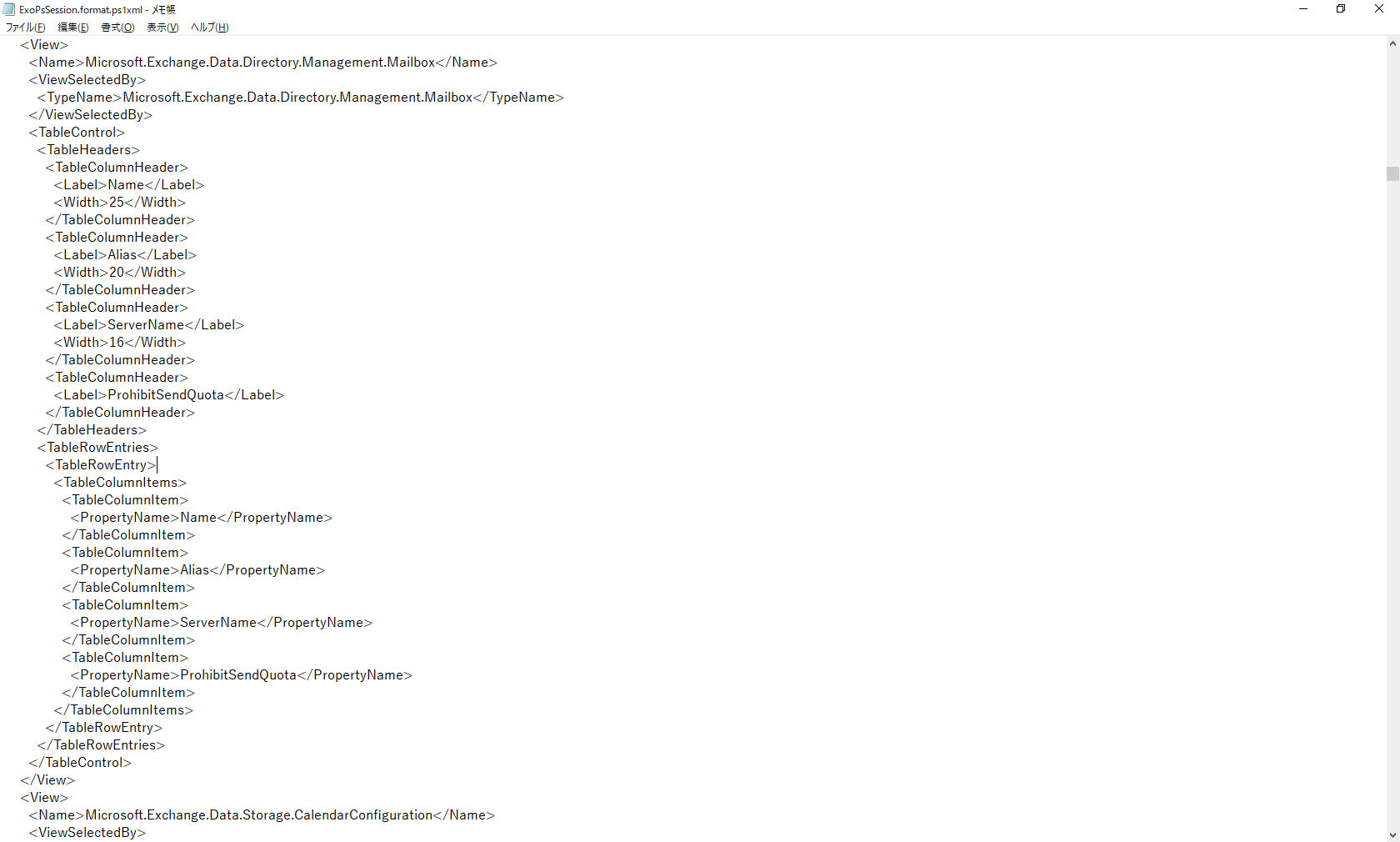
As a test, replace ProhibitSendQuota with AdminDisplayVersion. Replace each occurrence in TableColumnHeader and TableColumnItem, then save the file.
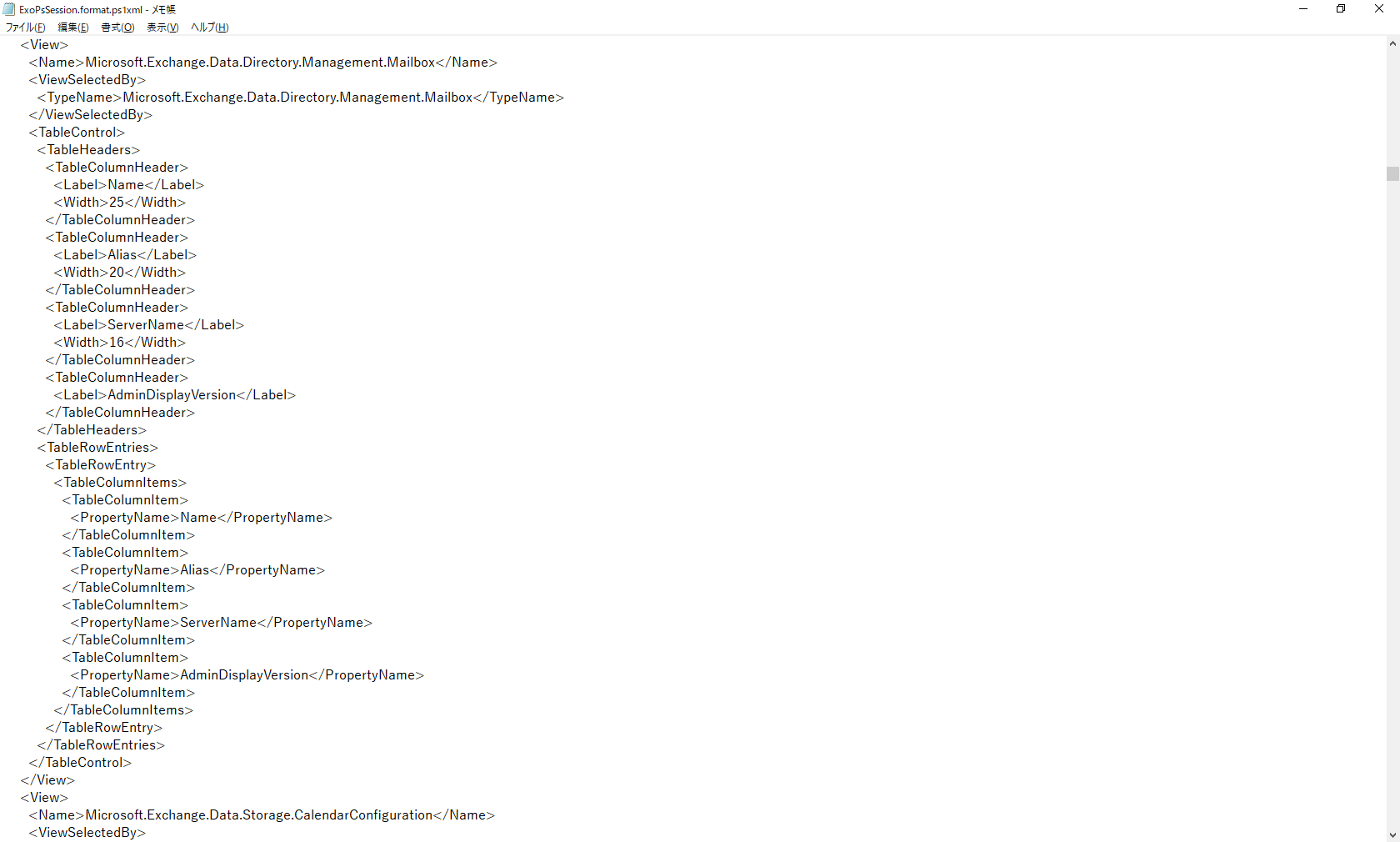
Import the module with the modified format. Run Import-Module with the path previously specified for OutputModule.
1 | Import-Module C:\temp\ExoPsSession |
Now, when you run Get-Mailbox, AdminDisplayVersion is displayed instead of ProhibitSendQuota.
